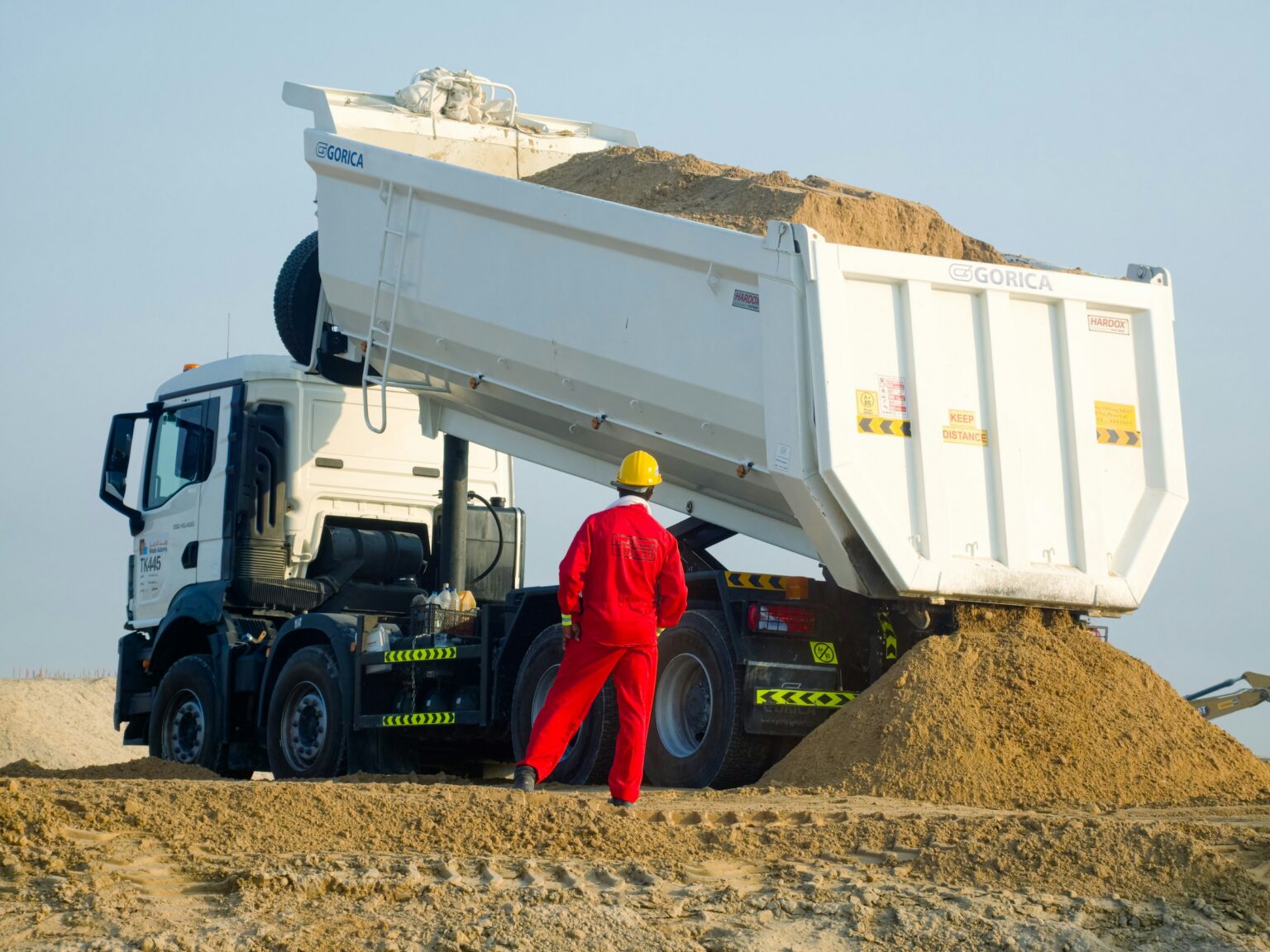
Steady jobs, digital dispatch, invoices nobody argues with.
Find pickups from verified contractors, quote all-in, assign trucks and drivers, and get paid on the facility’s verified weight.
For transporters
Fill your trucks with verified work.
Zero Waste Qatar brings you pickup requests from verified contractors, and handles the paperwork from quotation to payment.
Register your companyScreens show demo data.
What you get
-
01
Jobs from verified contractors
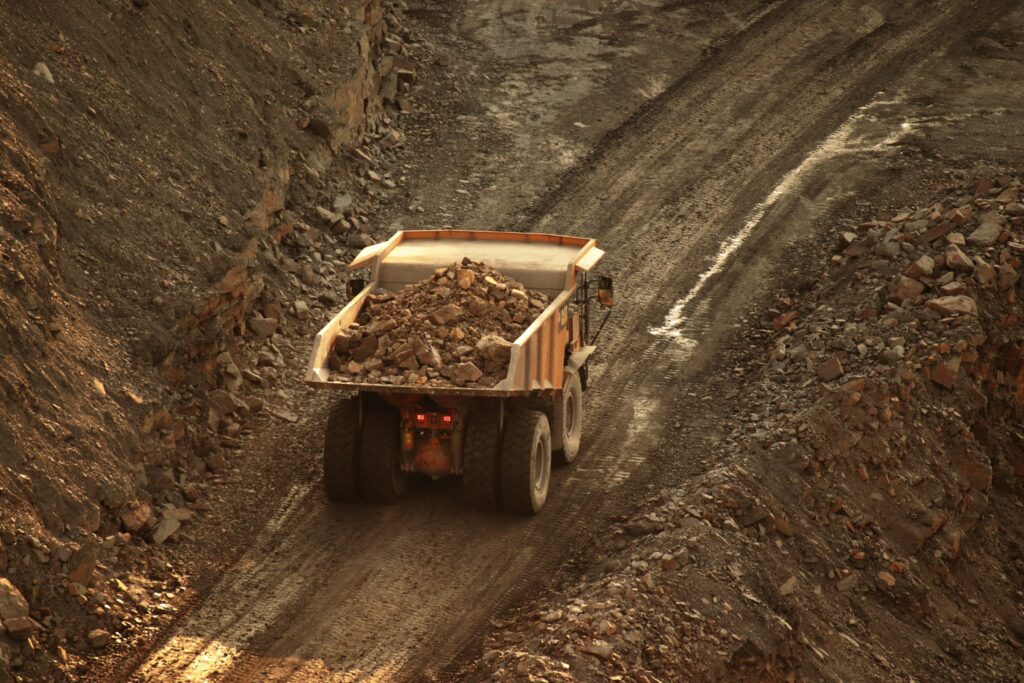
See open requests with waste type, tonnage, loads, date and area — and how long you have to quote.
-
02
Quote your way
Per load, per tonne or fixed price, all-in to a facility you choose. A price guide shows what comparable jobs went for.
-
03
Digital dispatch
Assign trucks and drivers in one step. Expired registrations or licences are flagged before a truck goes out.
-
04
A driver screen that’s easy
One big button per step, the loading photo, navigation, and location shared from the driver’s phone during the trip.
-
05
Invoices from verified weights
Issue the invoice in one click when the booking completes. Get paid by bank transfer and confirm it on Zero Waste Qatar.
-
06
Reminders before problems
Jobs with no truck assigned, and registrations or licences about to expire.
What you need to join
- Commercial registration (CR)
- Trade licence
- Insurance
- Vehicle registrations (istimara) and drivers’ licences
Zero Waste Qatar reviews your documents before you can trade, and reminds you before they expire.
Register your companyStep by step
Your workflow on Zero Waste Qatar
- 01
Register your fleet
Trucks with capacity and registration expiry; drivers with licence details.
- 02
Quote on open jobs
Choose the facility, price basis and truck type. Revise or withdraw while the request is open.
- 03
Assign trucks and drivers
Each load gets a truck and a driver, who sees it on their phone.
- 04
Run the trips
Loading photo, live location and arrival at the facility gate.
- 05
Invoice and get paid
Invoice on the weighbridge weights, and confirm each bank transfer when it arrives.

Doha, Qatar
Qatar is building.
Clear the way.
Post your first load in minutes, or join Zero Waste Qatar as a transporter or recycling facility.